To track someone by phone number, the number is normally used to send an invitation or location request. It is not a GPS beacon. Accurate live location requires the phone owner’s sharing permission, access to your own signed-in device, a parent-managed child account, a company-owned device program, or emergency access by authorized services. This guide shows which options work, what setup each one needs, and how to avoid fake number-tracker sites.
Quick answer: You cannot normally enter a phone number into a public website and reveal a person’s precise live location. You can locate your own lost phone, view a family member who shares location, send a consent-based location request, or use an authorized family or workplace monitoring product. Carrier location data is not a public lookup service.
Want a dashboard for a phone you manage?
Tour Sphnix before choosing a plan. The demo lets you inspect the location, device, alert, and reporting interface without relying on a “type any number” promise.
Open the Sphnix demoSee Sphnix plans
Track someone by phone number: what actually works?
Real location tools use the phone number as an identifier or delivery address. The location still comes from a device, account, GPS permission, Wi-Fi signals, or a cellular network. That distinction explains why legitimate tools require setup and why instant anonymous trackers are unreliable.
| Situation | Working method | What it requires | What the number does |
|---|---|---|---|
| Your own missing iPhone | Apple Find My | Find My enabled before the loss and access to the Apple Account | It may help identify the account, but does not create location access |
| Your own missing Android phone | Google Find Hub | The signed-in Google Account and device-location settings | It is not the tracking credential |
| Friend or adult family member | Google Maps, Apple Find My, or message-based sharing | The person chooses to share | It can receive the invitation |
| Minor child’s managed phone | Apple Family Sharing, Google family tools, or a parental-control product | Parent-managed setup on the child’s account or device | It helps link or verify the family account |
| Company-owned phone | Disclosed mobile-device management or workforce location policy | Written policy, authorized enrollment, and applicable employee notice | It is only one device identifier |
| Immediate danger | Emergency services | A genuine emergency and lawful emergency process | Carriers may support emergency response; consumers cannot query carrier location directly |
Why a phone number alone cannot reveal live GPS
A phone number routes calls and messages. GPS coordinates are generated by the device and protected by operating-system permissions and account controls. Cellular providers also hold network-location data, but they do not expose it through a normal public search box.
A reverse-phone lookup may return a possible name, carrier, broad region, or public-record match. That is not the phone’s current position. A website that shows a pulsing map before you provide any permission is often displaying an animation, an IP-based guess, or a fabricated result.
Do not confuse identity with location.A number can help identify a caller or send a sharing request. It does not bypass Location Services, account access, or the phone owner’s choices. For the privacy side of this question, read whether someone can track you with your number.
Four lawful ways to share or locate a phone
1. Use Apple Find My and Family Sharing
Apple allows family members to share location through Find My, Messages, and Maps. Family members can choose whether to share, and sharing can be stopped. A family can also help locate a missing device when Find My was configured. If you are focused on iPhone setup, see our guide to iPhone location-sharing requirements.
2. Use Google Maps or Find Hub
Google Maps shows a person’s location when that person shares it with you. Find Hub helps locate devices associated with your Google Account and supports location sharing between people. Google states that you must use a mobile device to start real-time sharing, although the sharing settings can later be managed from a computer.
3. Send a location request
Some services use SMS to invite the number’s owner to share a location. The link should clearly explain what will be shared. The result depends on the recipient opening the request and granting location access; it is not silent carrier tracking. This can be useful when meeting someone, arranging pickup, or helping a relative who understands the request.
4. Enroll an authorized family or company device
A parental-control or device-management product can provide ongoing information after the phone or account is enrolled. Expect iPhone and Android to work differently. Before buying, confirm whether physical access is needed, whether the relevant account must be authorized, which location features work on that operating system, and how the phone owner is notified.
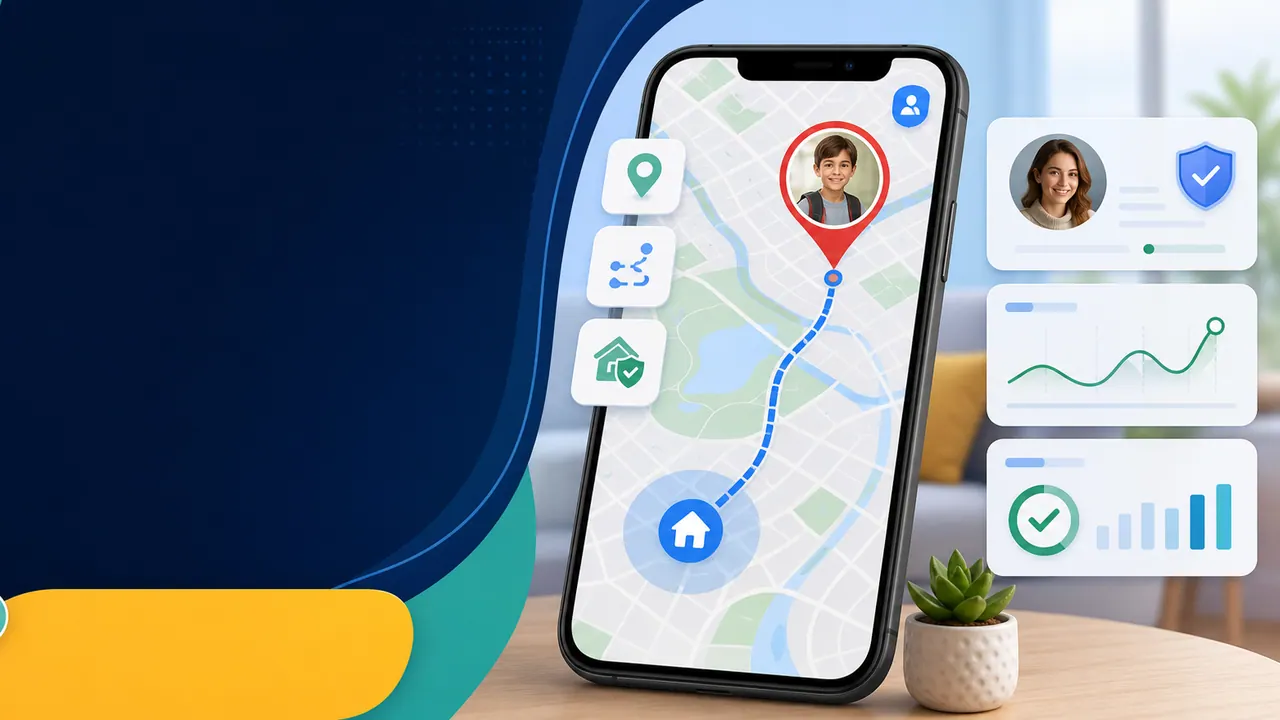
Which location option should you buy?
Buy based on the setup you can legitimately complete, not the longest feature list. If you only need a one-time location request, an ongoing monitoring subscription may be unnecessary. If you manage a child’s phone and need recurring alerts or broader device supervision, compare the dashboard, operating-system limits, support, cancellation terms, and data handling.
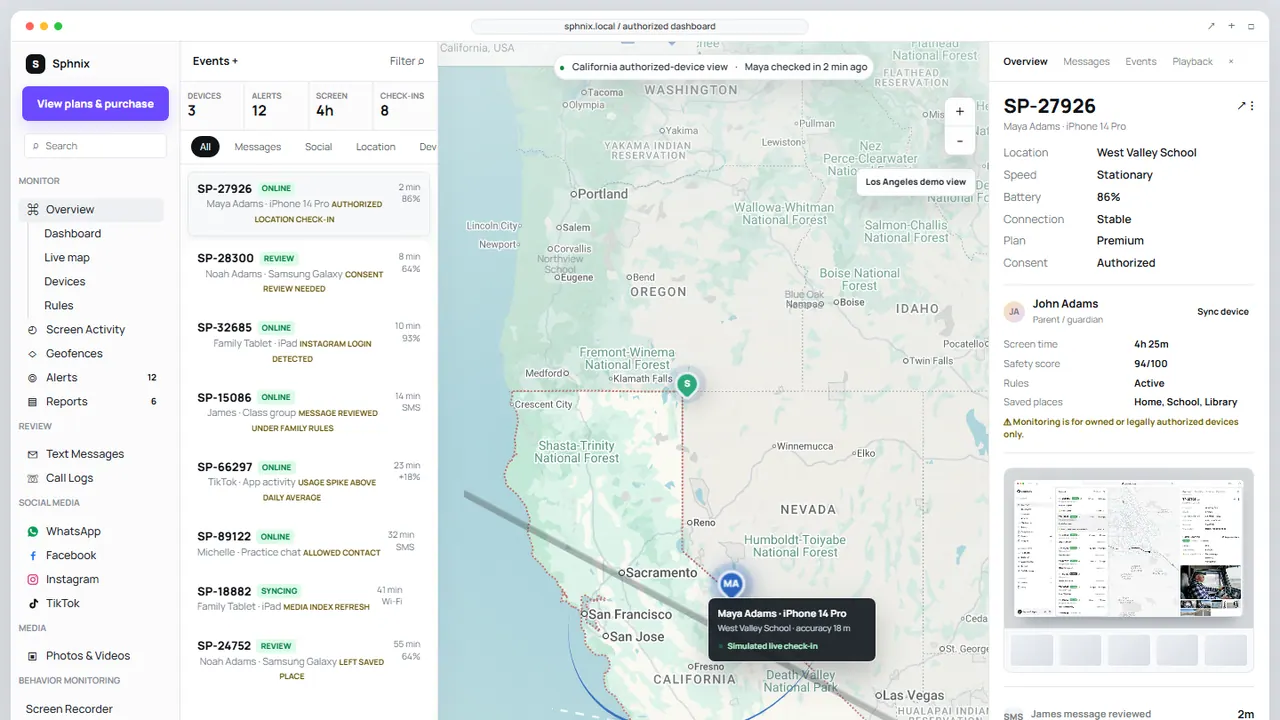
| Product path | Consider it when | Verify first | Link |
|---|---|---|---|
| Sphnix | You want to inspect the Spy Wizards dashboard and purchase path | Current plan, device setup, and supported location workflow | Tour Sphnix |
| Apple Find My | You need to locate your own Apple device or use location sharing with permission | The correct Apple Account, device settings, and the other person’s consent | Read Apple’s setup guide |
| mSpy | You need an ongoing parental-monitoring comparison | Physical/account access, current iOS or Android compatibility, and included features | Check mSpy |
| Eyezy | You want to compare family alerts and dashboard controls | Which functions apply to the target device and plan | Check Eyezy |
| Parentaler | Your use case is parent-managed child-device supervision | Installation, cancellation, privacy, and operating-system limits | Check Parentaler |
Disclosure: Some product links are affiliate links. Spy Wizards may earn a commission without increasing your price. Verify current compatibility, setup requirements, and billing on the provider’s page.
