Quick answer: If you are the parent or administrator, the supported answer to how to bypass Qustodio is to sign in, temporarily disable protection, change the rule causing the problem, or remove the app through Qustodio’s documented controls. This article does not provide ways for a child or unauthorized user to defeat parental controls.
Searches for a Qustodio bypass usually come from two very different situations. A parent may have blocked a child’s entire device by mistake, or a child may be looking for a hidden workaround. The first problem has legitimate fixes. The second is a sign that the family needs better configuration and a conversation about why the rule exists.
Qustodio runs differently on Android, iPhone, Windows, and Mac. Before changing anything, record the affected device, operating-system version, rule, time of failure, and whether the device still appears online in the parent dashboard.
How to Bypass Qustodio as the Account Owner
Temporarily disable protection
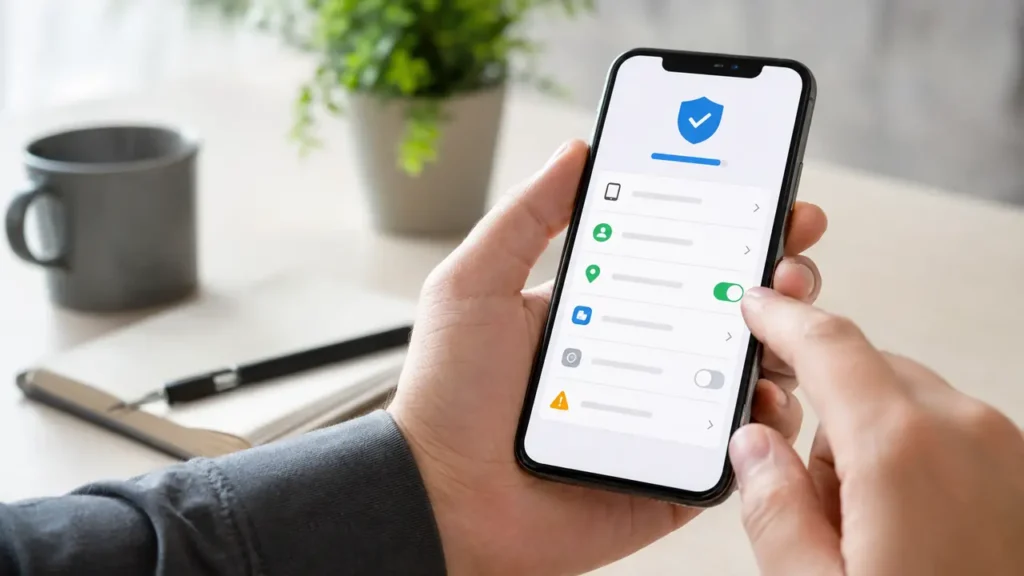
On a supported mobile device, open the Qustodio Kids app, choose Manage, and sign in with the parent account. Select Disable Protection, then choose whether to pause it for a fixed period or until you turn it on again. This is useful when a legitimate school, travel, or accessibility need is being blocked.
Change the rule instead of removing everything
Open the Parents App or Family Portal and identify the rule producing the block. Check daily limits, restricted times, web filtering, app rules, and the assigned child profile. A narrow correction preserves the rest of the family’s settings and produces a clearer audit trail than uninstalling the app.
Remove Qustodio from an owned device
Qustodio’s official Android process requires the parent account password: open Qustodio Kids, sign in, disable protection, and select Remove Qustodio. Then remove the old device from the parent dashboard so it no longer consumes a device slot. Use Qustodio’s current Android removal instructions because menu names can change.